
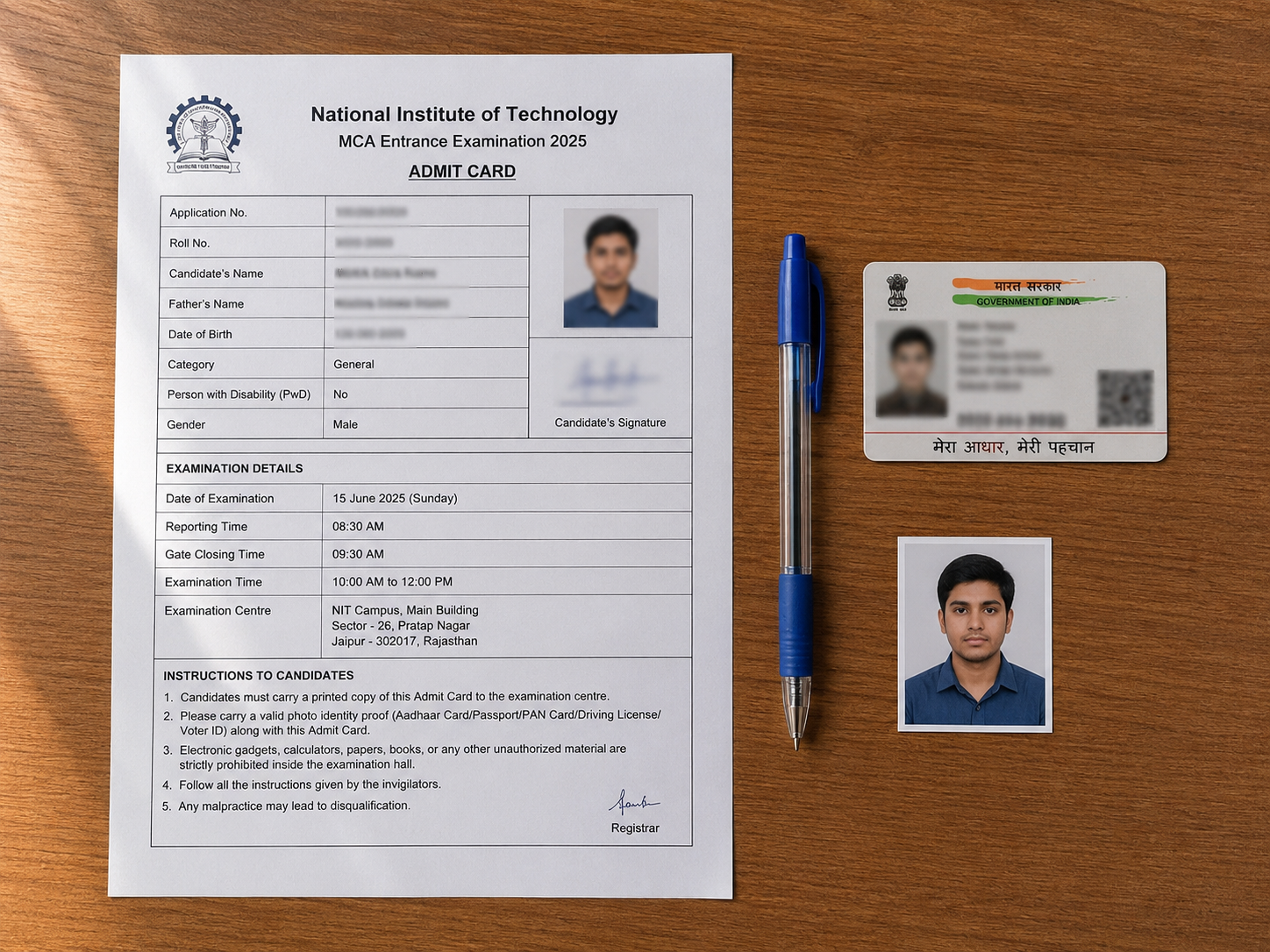
The ISTC admit card for the 2026 entrance exam has been available for download since June 16. The exam is on July 5, 2026. If you have not downloaded and printed yours yet — do it today.
This article covers exactly what to do: how to download, what to verify, what to carry, and who to contact immediately if something is wrong.
How to download your ISTC admit card 2026
- Go to career.csio.res.in/istc2026 — this is the official ISTC application portal.
- Log in using the credentials you created when you applied.
- Look for the "Download Admit Card" or "Print Admit Card" option on your dashboard.
- Download the PDF and print it in colour if possible. Print at least two copies.
If the portal is not loading, try at a non-peak time — early morning or late evening. Do not leave this to July 4.
What to check on the admit card — go through every field
Do not assume the admit card is correct. Check every field carefully against your application and your actual documents:
- Name — must match exactly as it appears on your Class 10 certificate and Aadhaar card
- Photograph — must be clearly visible and recognisable
- Roll number — note this down separately; you will need it for the result
- Date of birth — must match your Class 10 marksheet
- Category — General / OBC / SC / ST / EWS / PWD — verify this is correct
- Exam centre — Chandigarh or New Delhi. Know exactly where you are going before July 5
- Exam date and time — July 5, 2026. Note the reporting time — arrive at least 30 minutes before
- Course applied for — confirm this matches what you intended to apply for
What to do if there is an error
If any detail is wrong — name spelling, date of birth, category, exam centre — do not ignore it. Contact ISTC immediately. Errors on the admit card can create problems at the exam centre and during document verification at counselling.
Contact the ISTC office directly:
- 📧 principalistc.csio@csir.res.in
- 📧 T&P Office: sssaini@csio.res.in
- 📞 0172-2672484 / 2672485 / 2672246
Mention your application number, roll number, and the specific error in writing. Keep a copy of your email. If you call, follow up with an email.
There are 6 days left before the exam. Act immediately — do not wait to see if the error resolves itself.
What to carry to the exam centre on July 5
- Printed admit card — mandatory. No admit card, no entry.
- Original Aadhaar card — ISTC requires a recent Aadhaar (not older than 3 years) for counselling; carry it to the exam as well for identity verification
- One additional photo ID — Aadhaar, school ID, or any government-issued ID
- Blue or black ball pen — the exam is OMR-based. Gel pens may be problematic. Carry two pens.
- No electronic devices — phones, smartwatches, calculators, and earphones are not permitted inside the exam hall
Exam day timing
The exam date is Sunday, July 5, 2026. Reporting time will be on your admit card — read it carefully. Exam halls typically close 15-20 minutes before the paper starts. If you are travelling from outside Chandigarh, plan to arrive the day before.
Exam centres are in Chandigarh and New Delhi. Your admit card will confirm your centre.
After the exam
Based on last year's pattern, the answer key was released the day after the exam (July 7, 2025). Results were declared within 10 days. The ISTCKonnect result page will be updated as soon as the official result is announced.
👉 ISTC Result 2026 — merit list, cut off marks, counselling schedule
For all official information, visit istc.ac.in and the application portal at career.csio.res.in/istc2026.